
Trim unused media.
Reclaim disk space.
ArchiveCut trims unused media from any Final Cut Pro project, event, or library. Preview the savings, choose what to trim, and make room for what’s next.
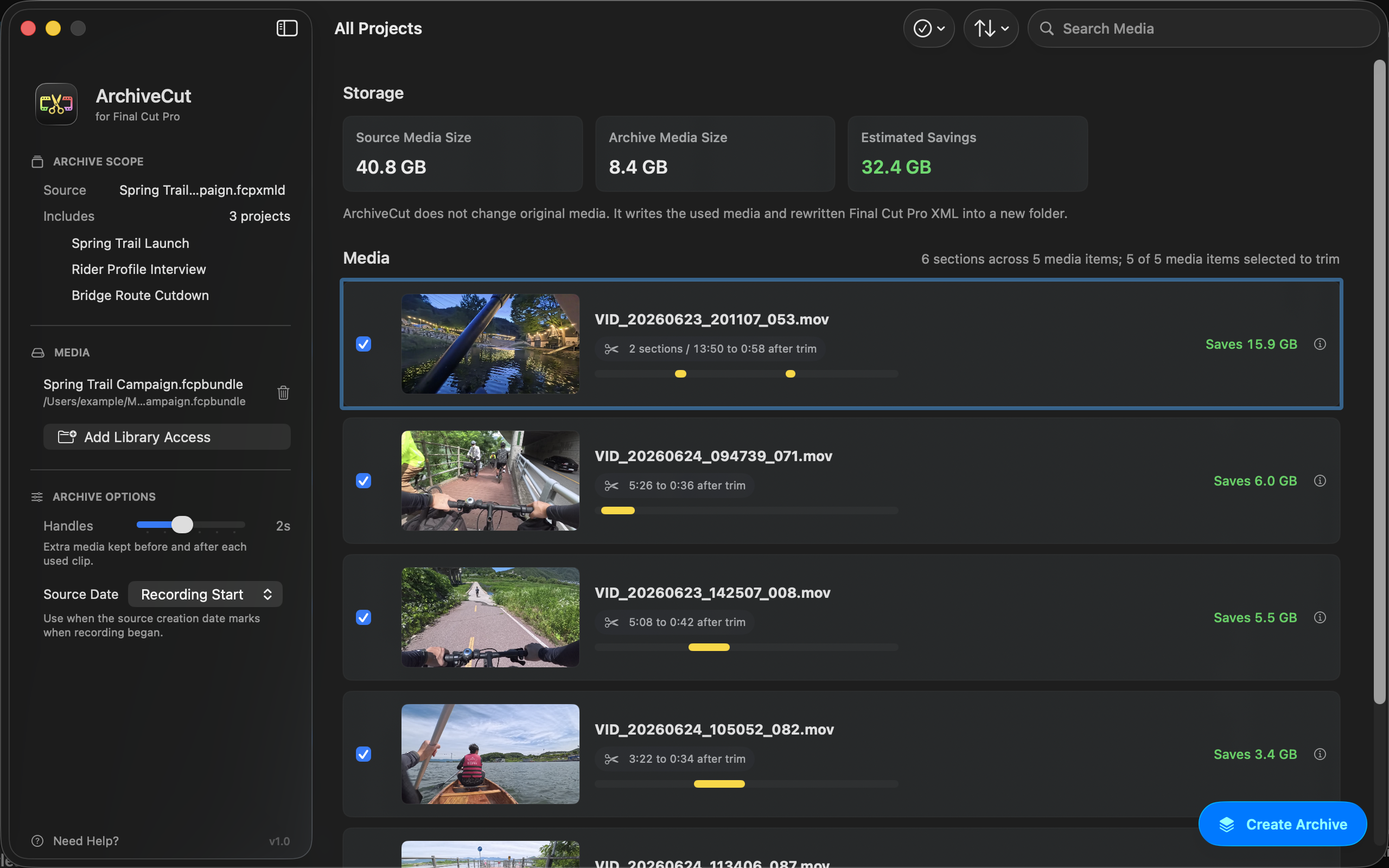
Trim unused Final Cut Pro media with confidence
Preview storage savings
Choose what to trim
Create trimmed media files

A smaller Final Cut Pro archive that’s ready to keep.
ArchiveCut gathers the media your edit depends on, even when it lives in a Final Cut Pro library, external drives, or other folders. It trims each selected file down to the used sections and keeps a full copy when that is the safer choice.
The result is one self-contained folder you can move to a backup drive, NAS, or long-term storage.
Trim media without breaking the timeline
Edits can contain more than simple clips. ArchiveCut traces those relationships so the smaller archive stays faithful to every included project.
Layered edits
Multicam projects
Speed changes and audio
Cautious by design
A smaller archive, ready for storage.
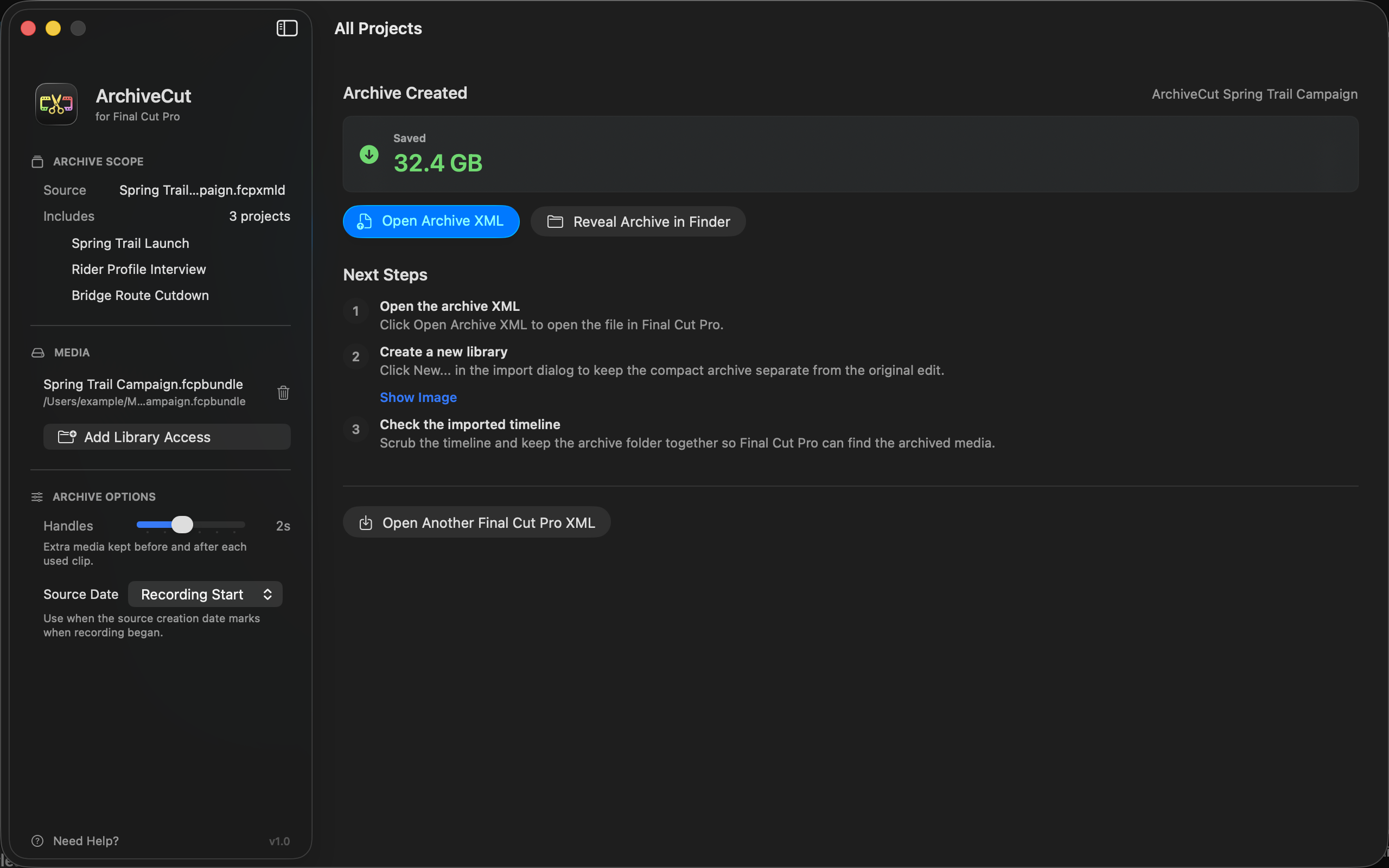
Make room for the next project.
Trim unused media from a Final Cut Pro project, event, or library to create a smaller archive you can review.