Get comfortable typing Korean.
One word at a time.
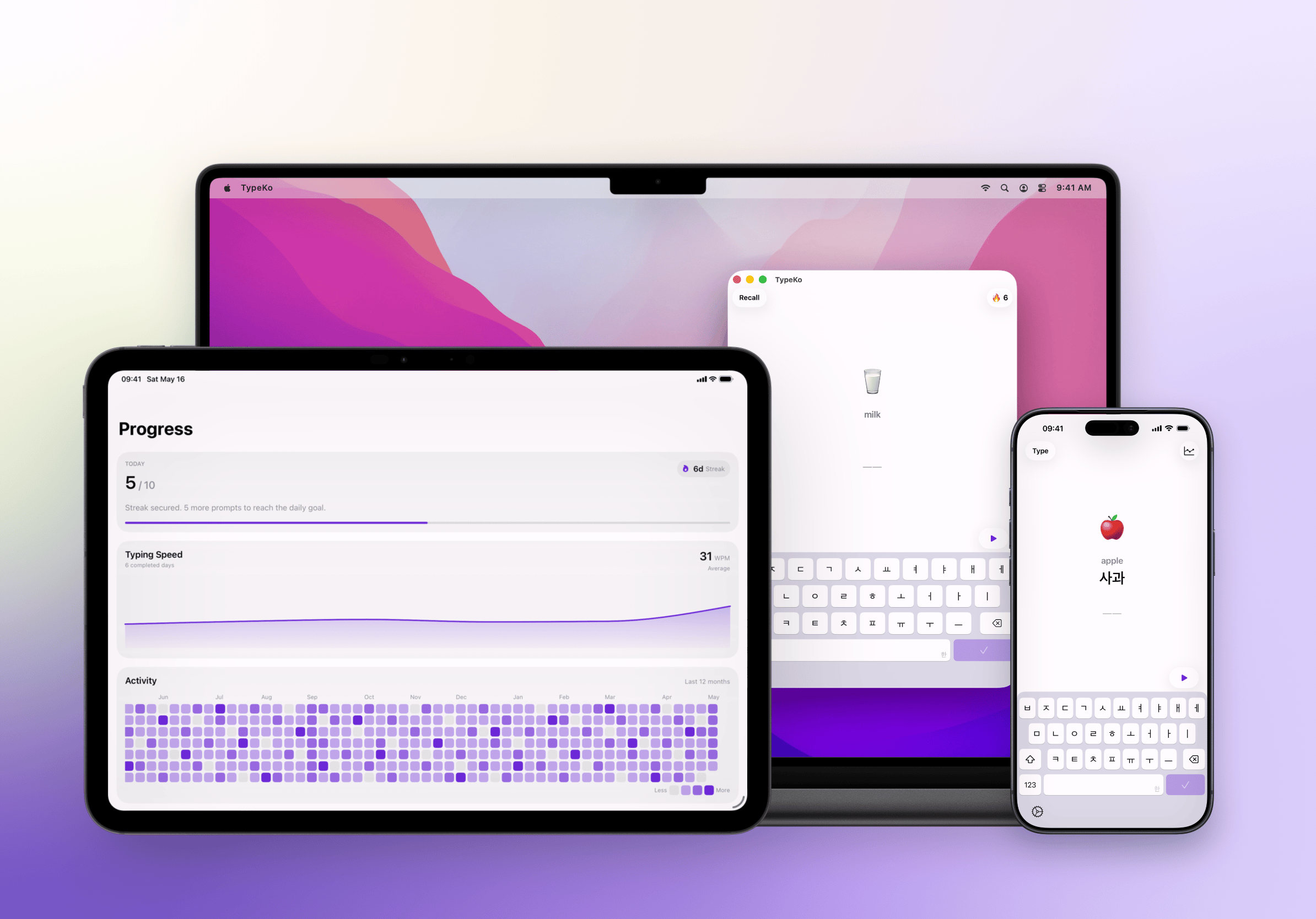
Practise Hangul with word meanings and native-speaker audio. TypeKo helps you move from copying a word to typing it from memory on iPhone, iPad, and Mac.
Know the word you’re typing.
See the meaning
Check the spelling
Hear the word
Start with the word. Then hide it.
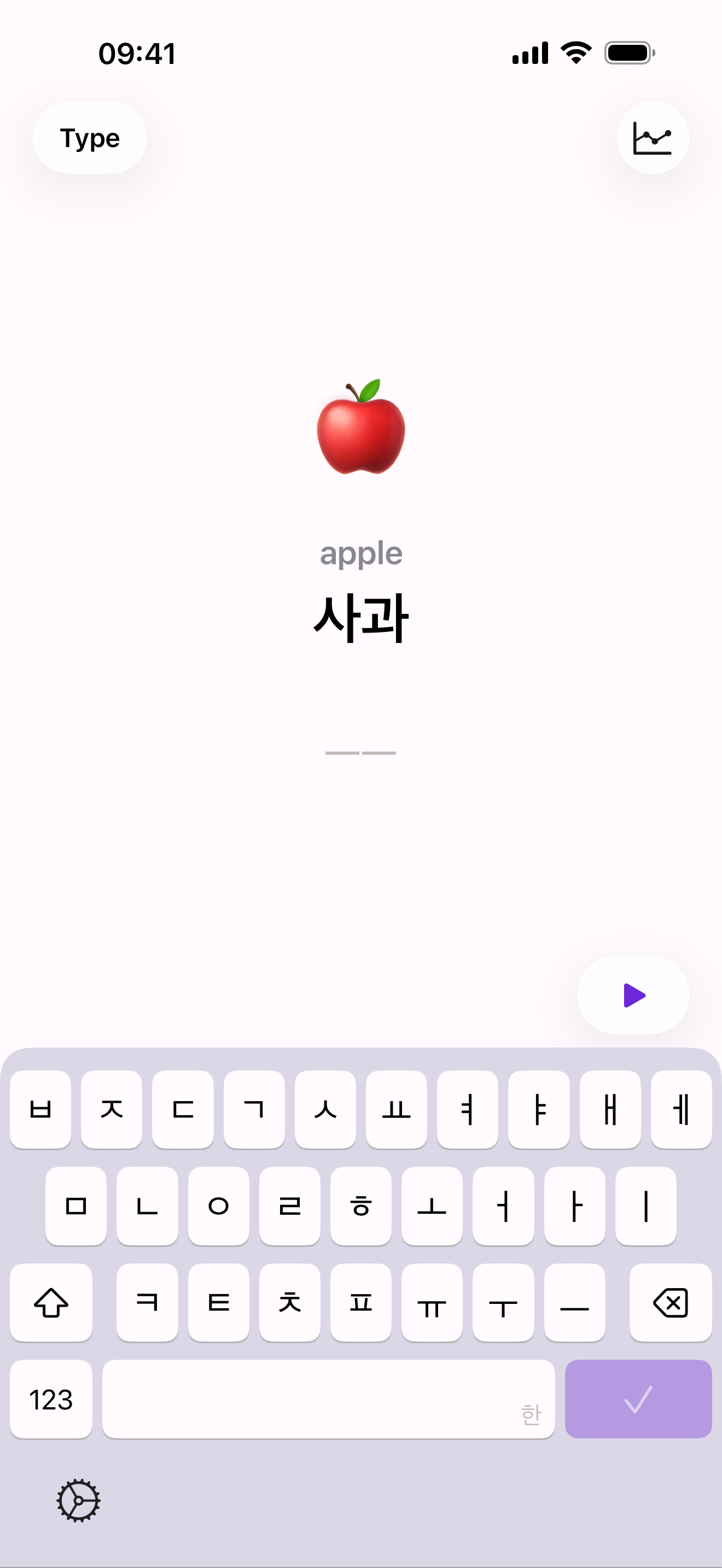
Type mode keeps the Korean spelling visible as you practise.
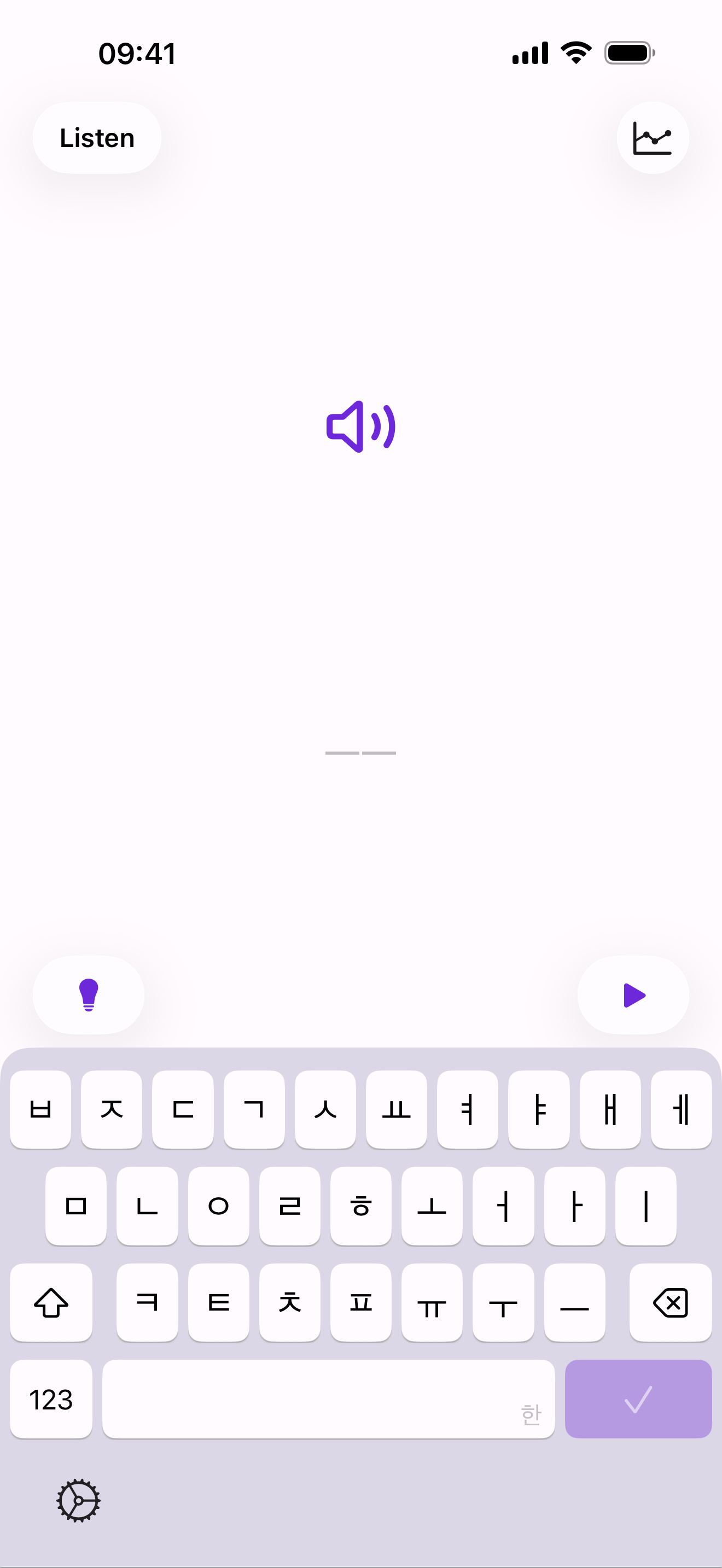
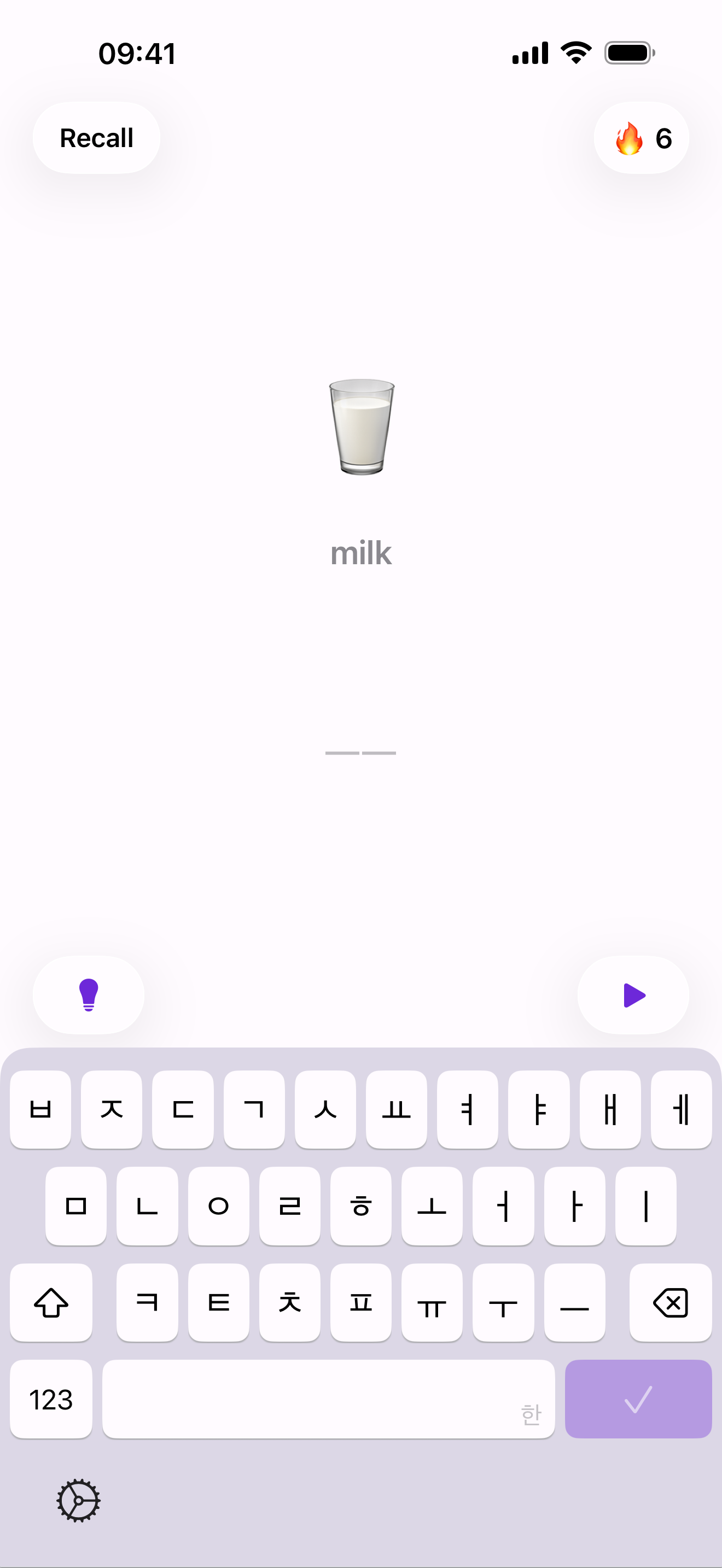
When you’re ready, type what you hear in Listen mode or work from a cue in Recall mode.
Give difficult words another turn.
Smart review brings missed words, slow answers, and words due for review back into practice.
Review what needs work
Follow your practice
Continue across devices
Start free
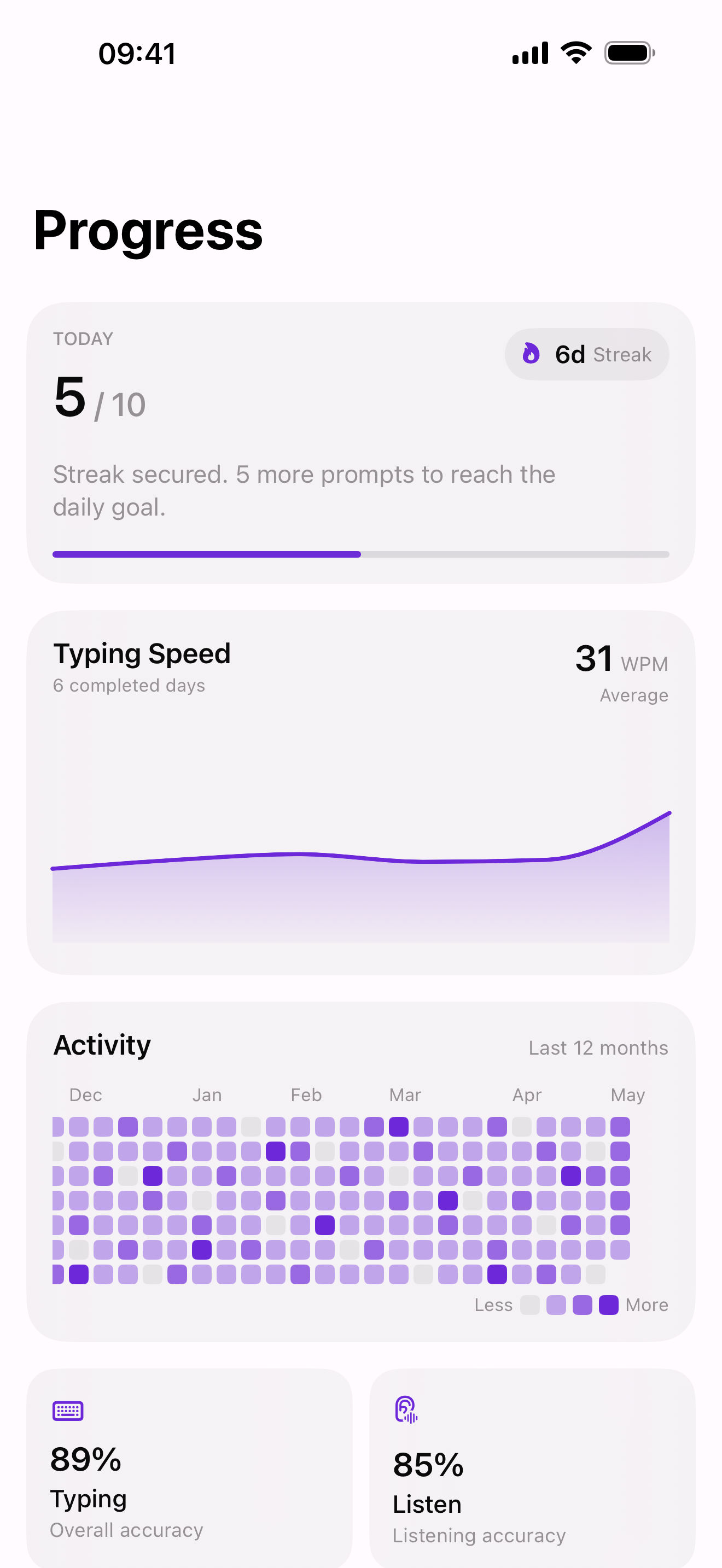
See where practice is paying off.
Check accuracy, typing speed, and recurring typing patterns in Progress.
Use that history to choose what to work on next.
Frequently asked questions
What is the difference between Type, Listen, and Recall?
Type keeps the Korean word visible. Listen starts with pronunciation audio. Recall asks you to type the Korean word from its cue.
Which devices can I use?
TypeKo is available on iPhone, iPad, and Mac. iCloud sync keeps practice history available across Apple devices.
What should I practise after a difficult round?
Smart review brings missed words, slow answers, and words due for review back automatically.
How do I type Korean in other apps?
On iPhone or iPad, open Settings → General → Keyboard → Keyboards → Add New Keyboard and choose Korean. In a text field, hold the globe or emoji key to switch to Korean.
Start with a Korean word.
Make spelling, sound, and recall part of your typing practice.