
Open apps, projects, and more
with memorable shortcuts.
LaunchPalette gives apps, files, projects, and scripts their own memorable keyboard shortcuts, so the things you use every day stay close at hand.
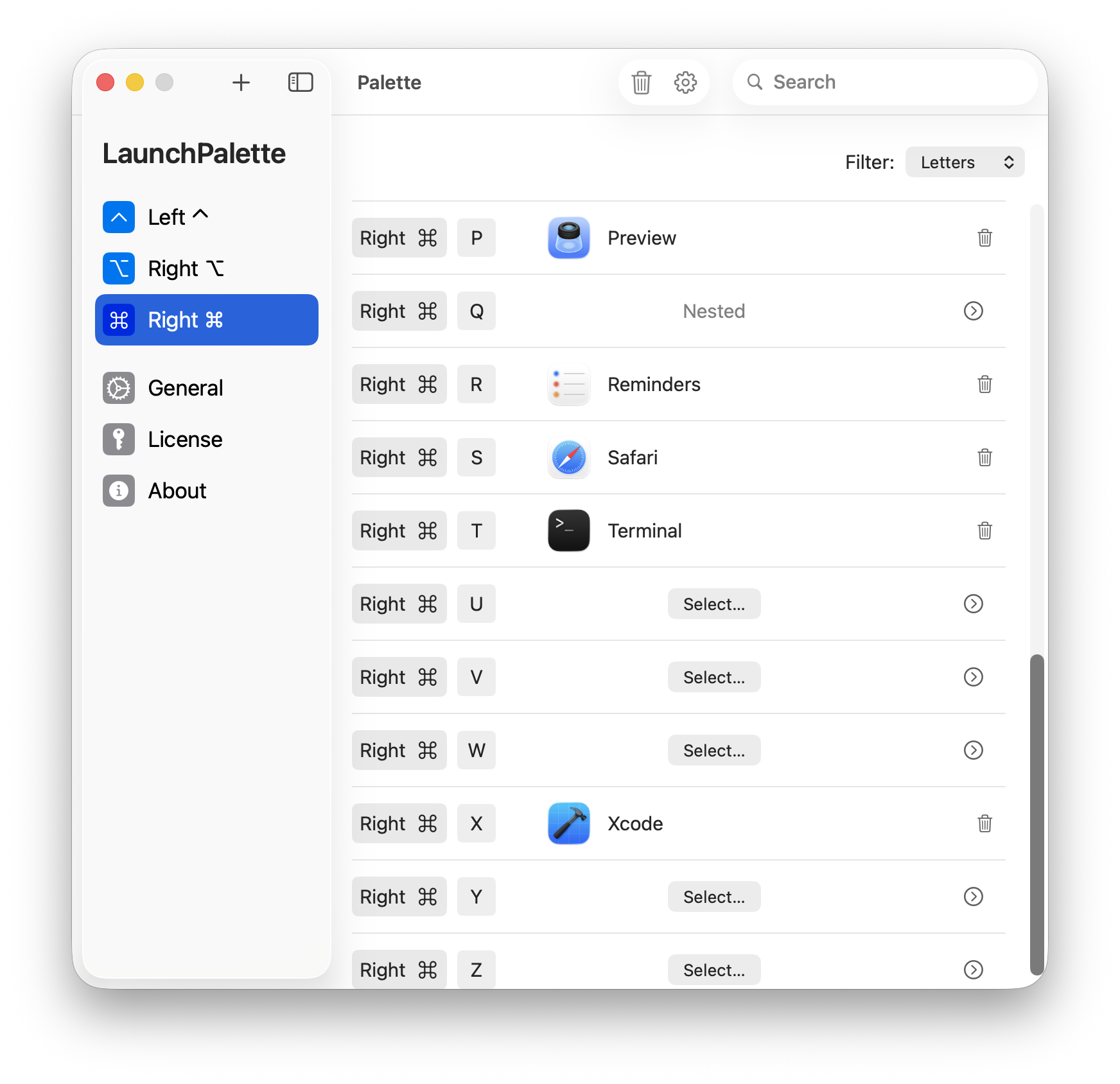
Organize shortcuts around how you work
Group related actions into palettes, then open the exact app, file, project, window, or script without searching.
Split modifiers
Use Right ⌘ for LaunchPalette and keep Left ⌘ for everyday Mac shortcuts.
Memorable shortcuts
Use keys that match what you launch, like Right ⌘-S for Safari or Right ⌘-X for Xcode.
Nestable shortcuts
Build nested shortcut groups for apps, files, projects, windows, and scripts.
Project shortcuts
Open Xcode and design projects with dedicated shortcuts.
Window cycling
Press the same shortcut again to cycle through an app’s windows in most-recent order.
Script execution
Run AppleScripts and shell scripts with memorable shortcuts.
What people are saying
The Most Useful Utility EVER
Dedrich
U.S. App Store
In my top 3 apps of all time for mac. Also the interface and ease of use is top notch.
Filterless1
U.S. App Store
I will never run a Mac without this app again
PilotArcher
U.S. App Store
Keep your Mac workflow on the keyboard.
Launch the apps, files, windows, and scripts you use every day without breaking flow.