Multiple alarms on iPhone,
all at once.
MultiAlarm turns one alarm setup into a full sequence, so you can build a wake-up routine, reminder ladder, or any repeated nudge without recreating each alarm by hand.
Everything a group of alarms needs
Choose the pattern, give it context, and manage the whole set from one place.
Fast alarm sequences
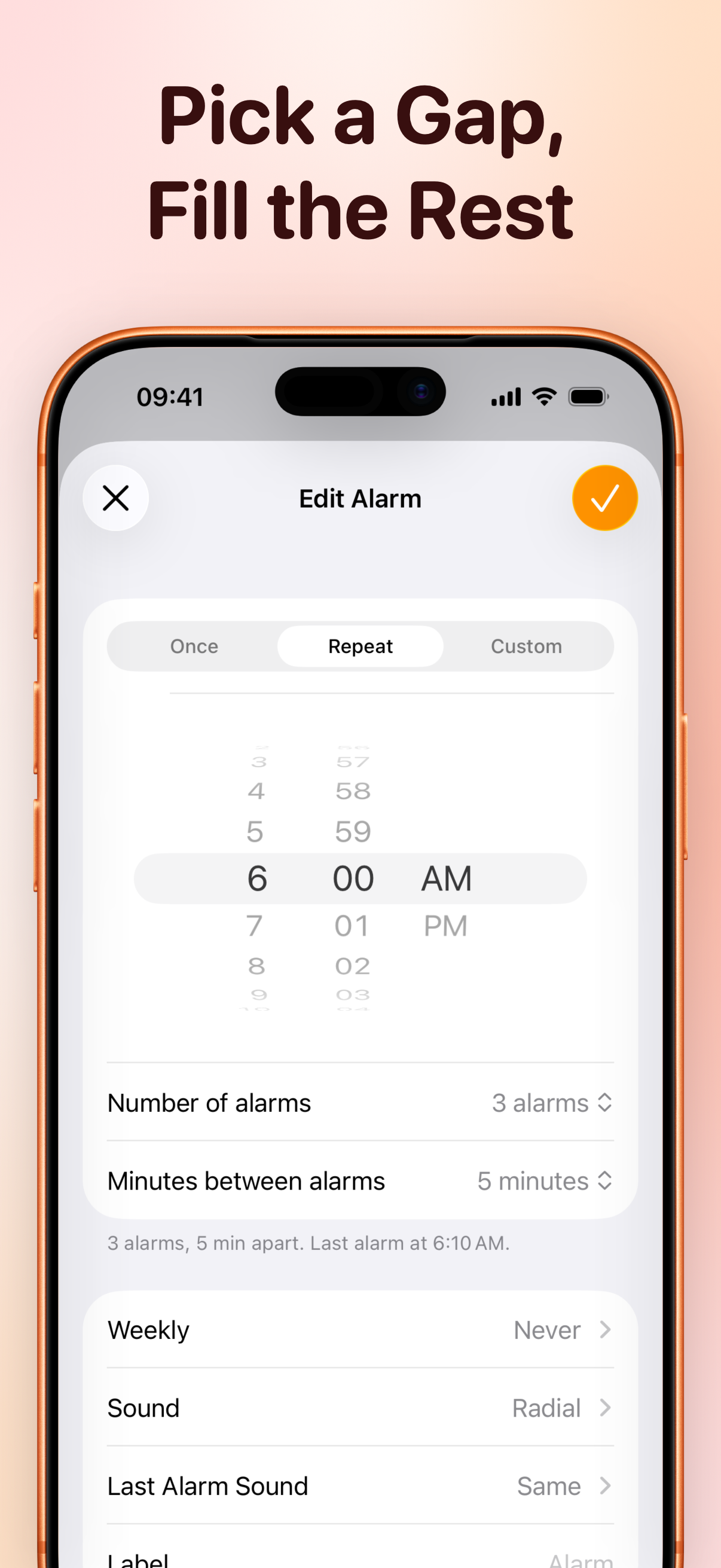
Pick a start time, choose how many alarms you need, and let MultiAlarm build the series.
Fixed or custom spacing
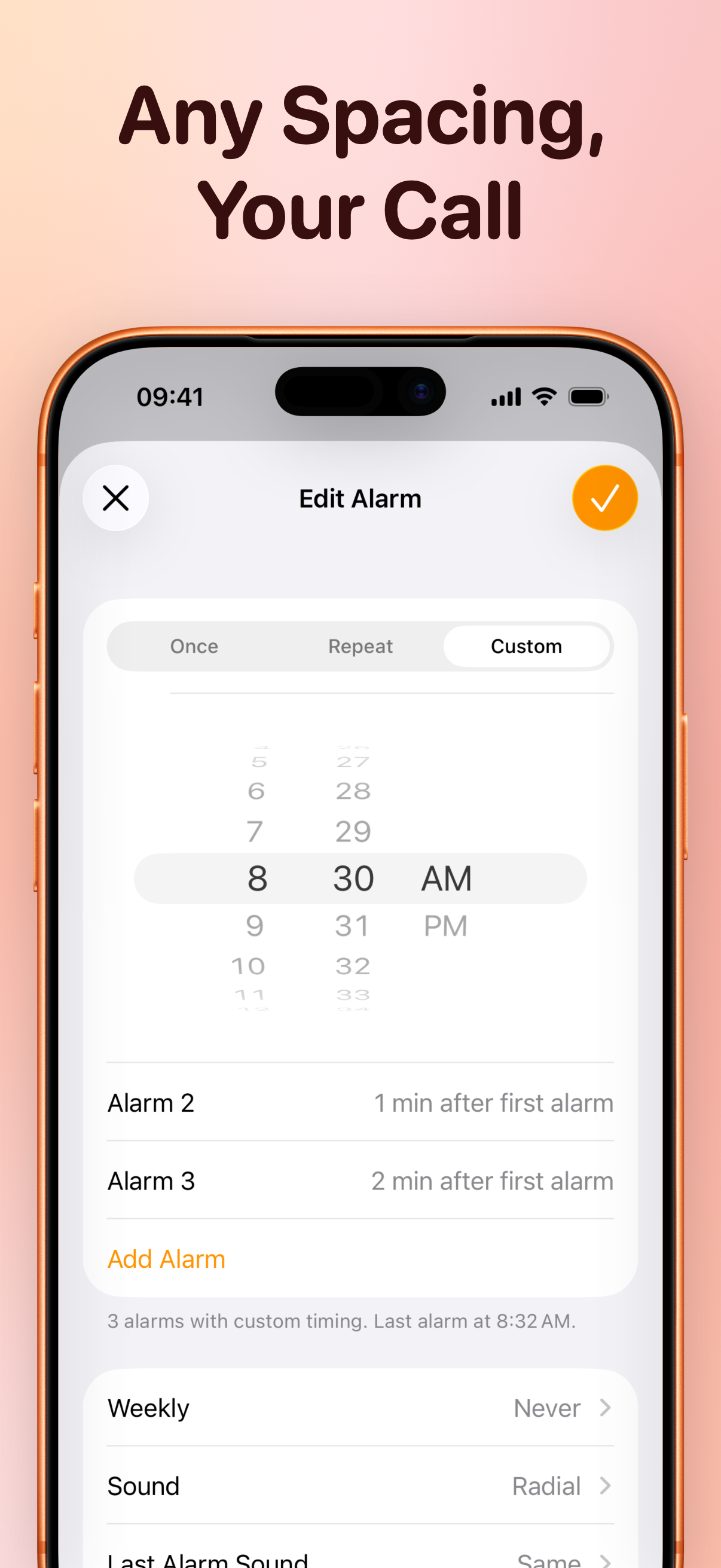
Use simple fixed intervals or set custom gaps when each alarm needs its own timing.
One-tap control
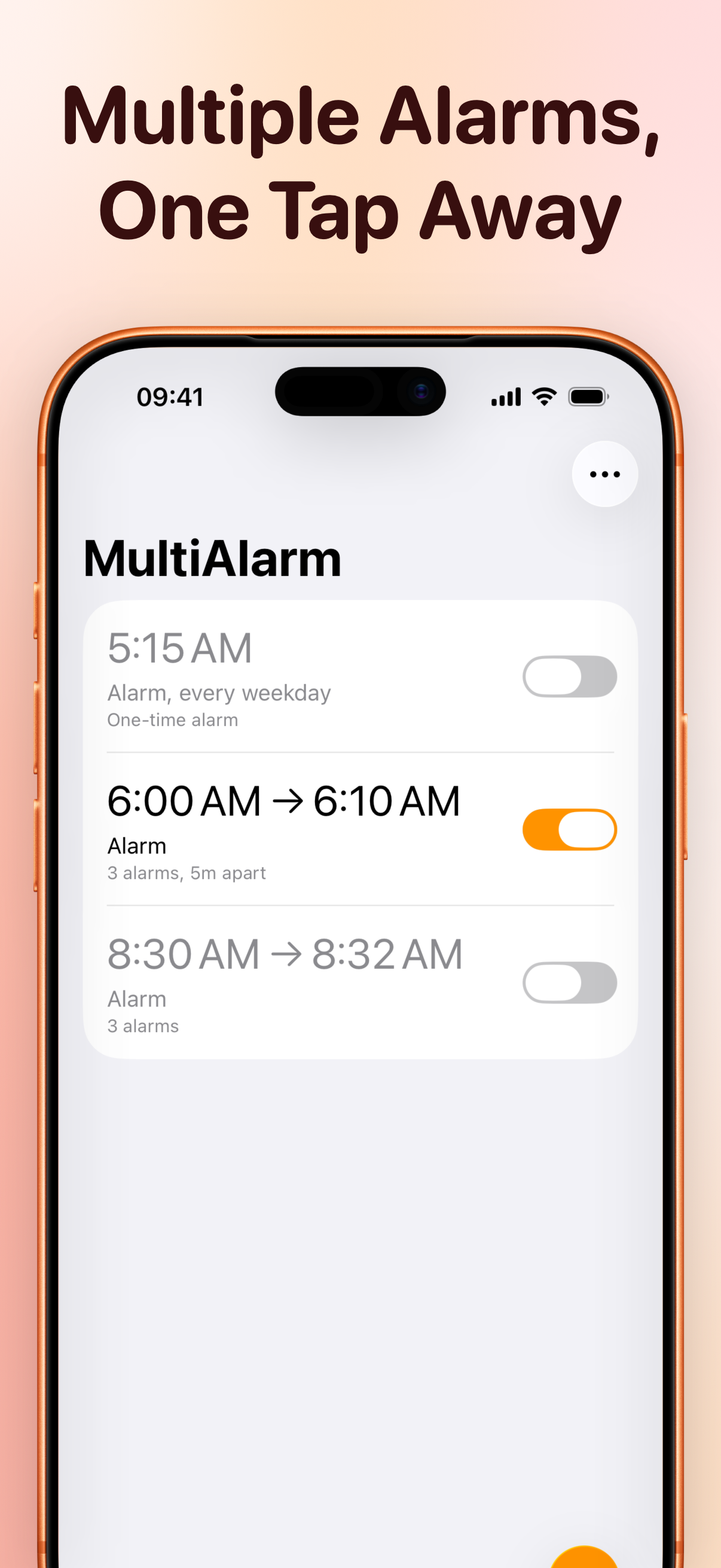
Enable, disable, or edit a full series without hunting through separate alarms.
Labels, repeats, and sounds
Name each set, choose repeat days, use extra sounds, and make the final alarm stand out.
Ready to set alarms faster?
Create simple alarm groups for free. Unlock longer series, custom intervals, extra sounds, and fade-in with MultiAlarm Pro.