Start timers from
your Mac menu bar.
Use Pebble presets, keyboard shortcuts, and an optional floating timer without leaving your current app.
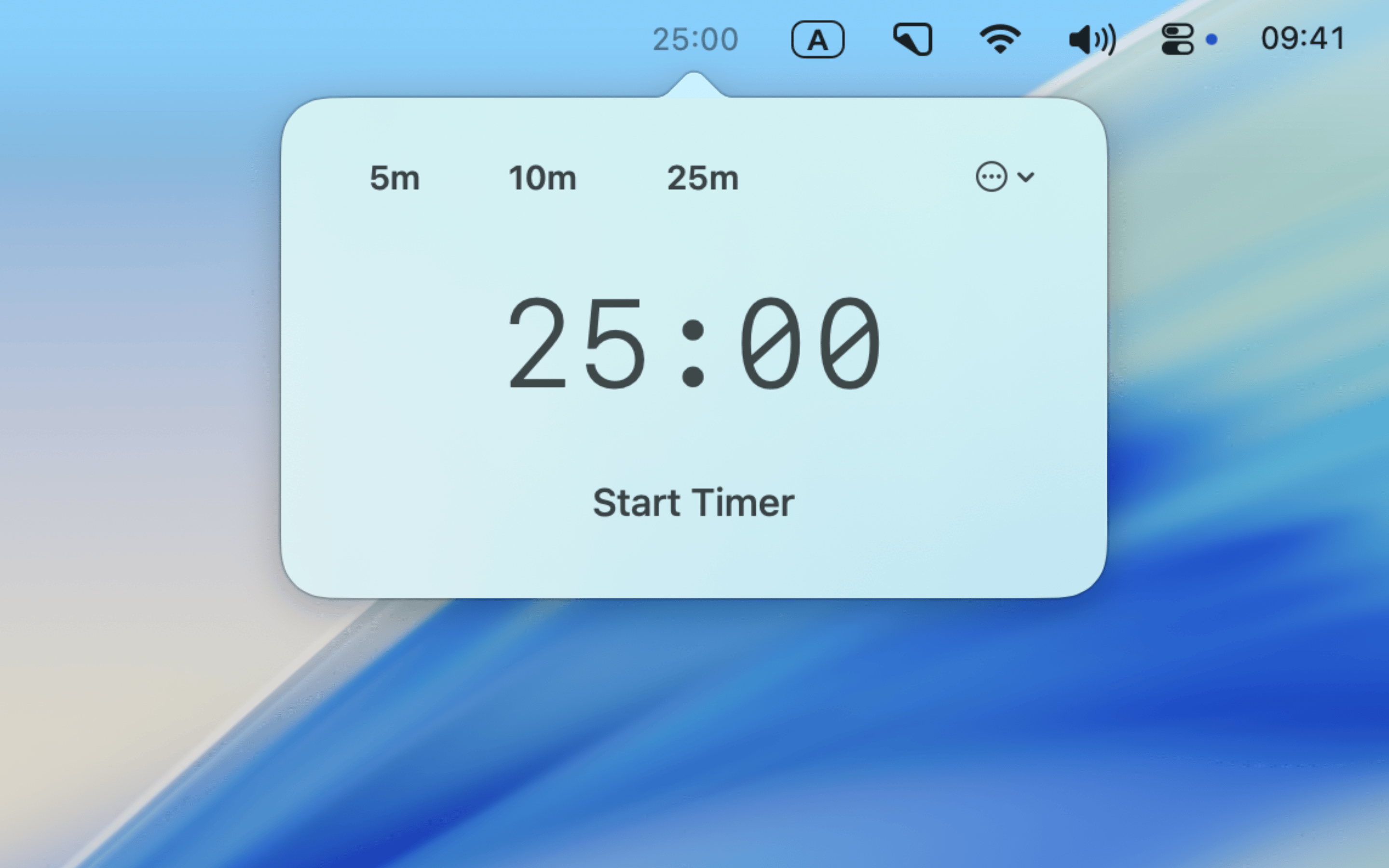
Keep timing controls close
Start from the menu bar, control the timer from the keyboard, or keep it visible while you work.
Menu bar access
Start a timer with one click from the menu bar.
Reusable presets
Save up to three durations you use often.
Floating timer
Keep a small timer visible above other apps while you work.
Keyboard shortcuts
Start, pause, or resume a timer without reaching for the pointer.
Start a timer without interrupting your work.
Download Pebble and stay in flow.