
Hide all windows.
In an instant.
Hidy hides all windows on your Mac with a shortcut or click. Bring them back just as easily.
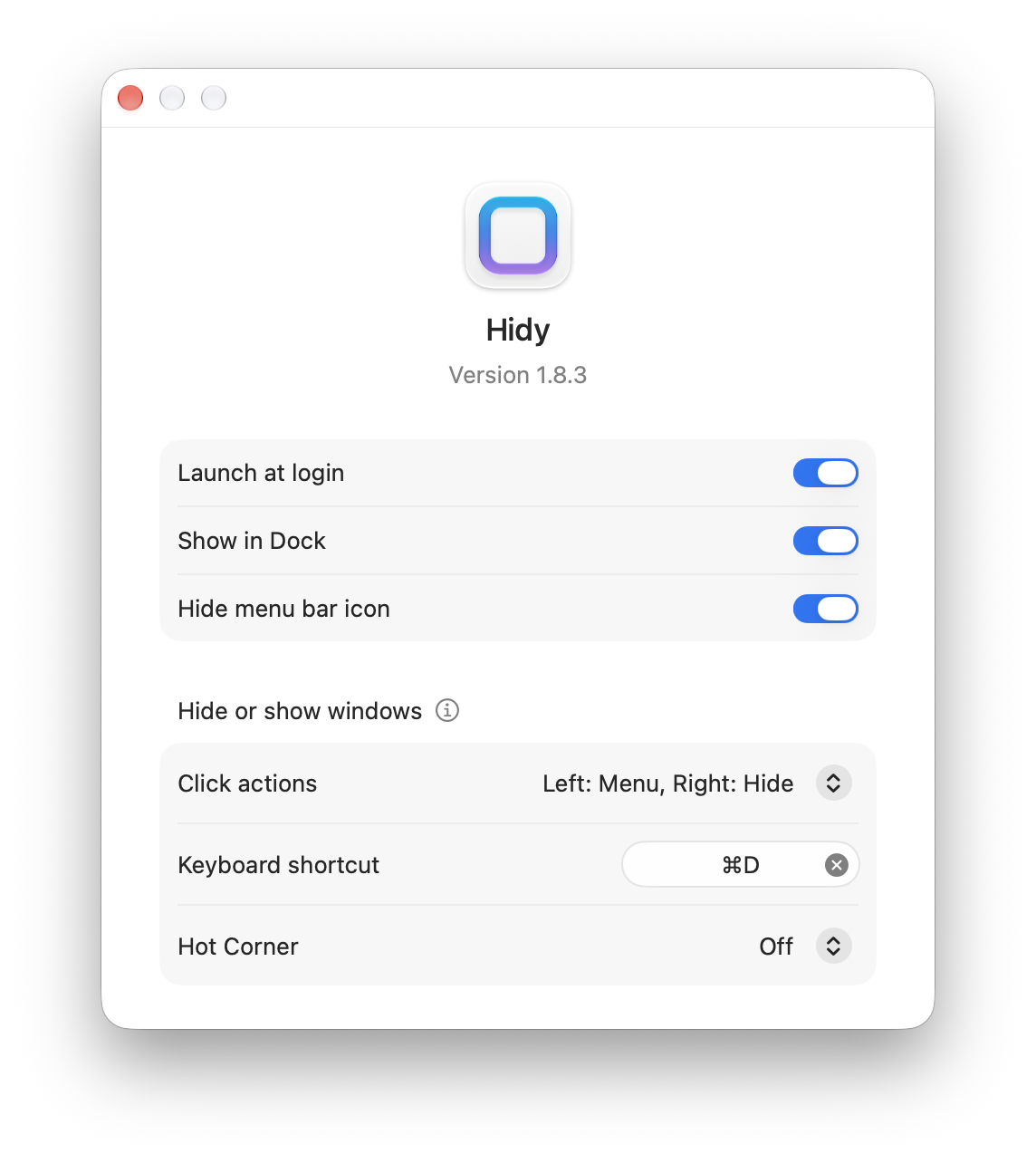
Three ways to hide all windows
Use the keyboard, menu bar, or a Hot Corner. Choose what feels natural.
Keep your hands on the keyboard
Set your own shortcut to hide all windows. Press it again to bring them back.
Just a click away
Click Hidy’s menu bar icon to hide all windows without reaching for the keyboard.
Make a corner your shortcut
Hide all windows from a corner of your screen. Choose a hover or a click to activate it.
Frequently asked questions
Doesn’t macOS already have a shortcut to hide windows?
Command-H hides the current app, and Option-Command-H hides the other apps. Hidy gives you one shortcut to hide all windows. Learn how to set it up
How do I bring my windows back?
Use the same shortcut, menu bar control, or Hot Corner again to restore the windows Hidy hid.
How is this different from Show Desktop?
Show Desktop temporarily moves windows aside so you can access desktop files. Hidy hides windows instead of moving them aside or minimizing them into the Dock. Compare hiding, minimizing, and Show Desktop
Can I use a Hot Corner instead of a shortcut?
Yes. Choose the bottom-left or bottom-right corner in Hidy’s Settings, then choose whether to activate it with a hover or a click. Set up a Hot Corner
Less clutter. More room to focus.
Hide all windows with a shortcut, a click, or a Hot Corner.