· 3 min read
Why my Insta360 GO Ultra footage disappeared
How exFAT timestamps, decrypted firmware logs, and Mac mount history narrowed several days of missing footage to a lost recording directory.
After I recovered several days of missing Insta360 footage, I wanted to know why it had disappeared.
I examined the card’s exFAT metadata, checked the Mac’s mount history, and decoded the exported camera logs. The evidence points to a lost recording directory: the video data remained on the card, but its directory became unreachable. The camera then created a new Camera01 and restarted numbering at 001.
The logs covering the failure had already been rotated away, so I cannot tell whether firmware, interrupted power, or a transient microSD fault triggered it.
The directory was replaced during the trip
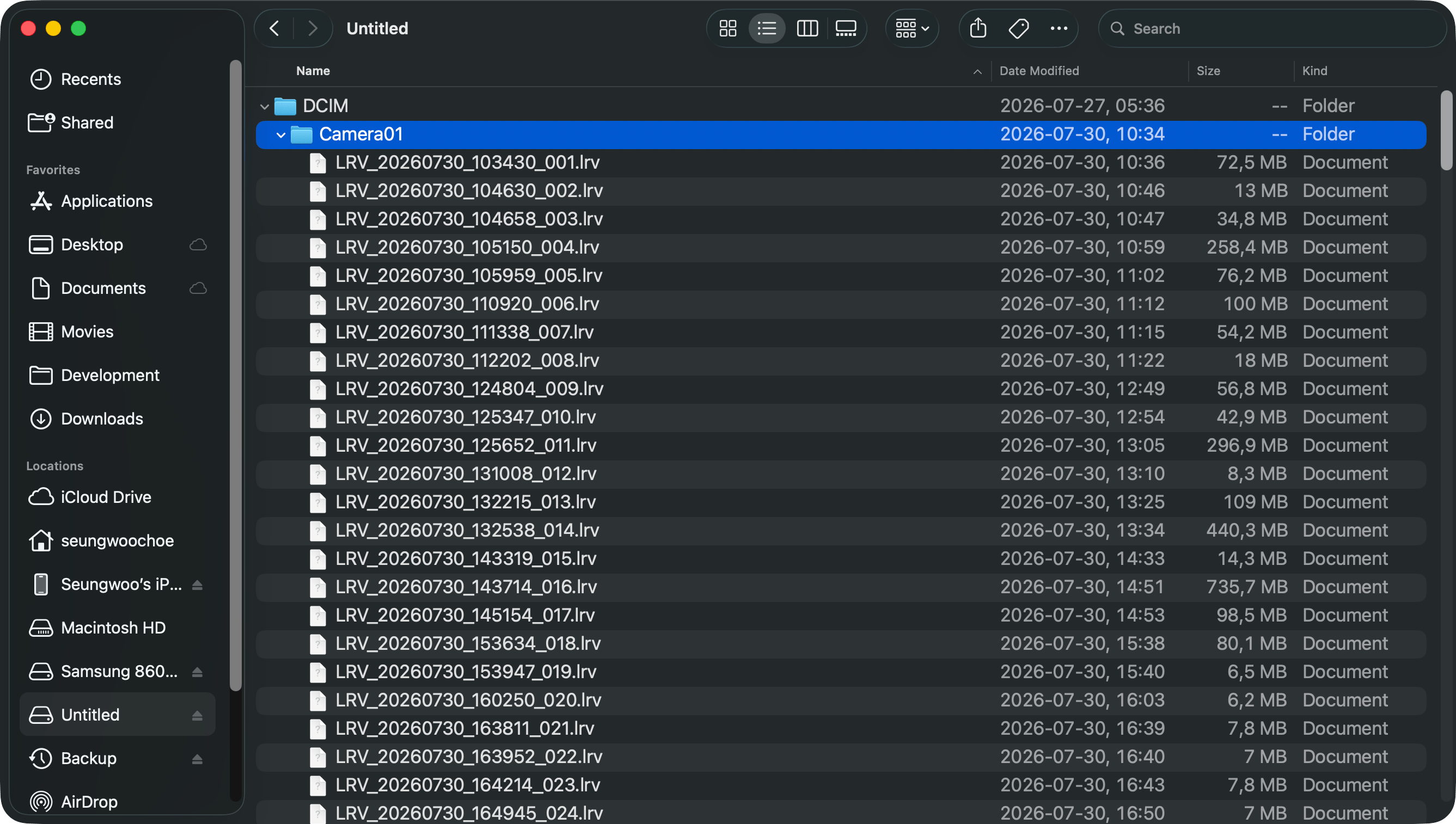
The card currently contains 125 mp4 files and 125 matching low-resolution previews, numbered continuously from 001 to 125. Their timestamps reveal when that sequence began:
| Item | Creation time shown on the card |
|---|---|
DCIM and MISC | July 27 at 05:36:03 |
DCIM/Camera01 | July 30 at 10:34:29 |
VID_20260730_103430_001.mp4 | July 30 at 10:34:30 |
The parent directories survived from July 27, but Camera01 was created three days later. One second afterward, recording restarted at 001. This rules out a full format and strongly suggests that the original Camera01 became unusable, so the camera replaced it.
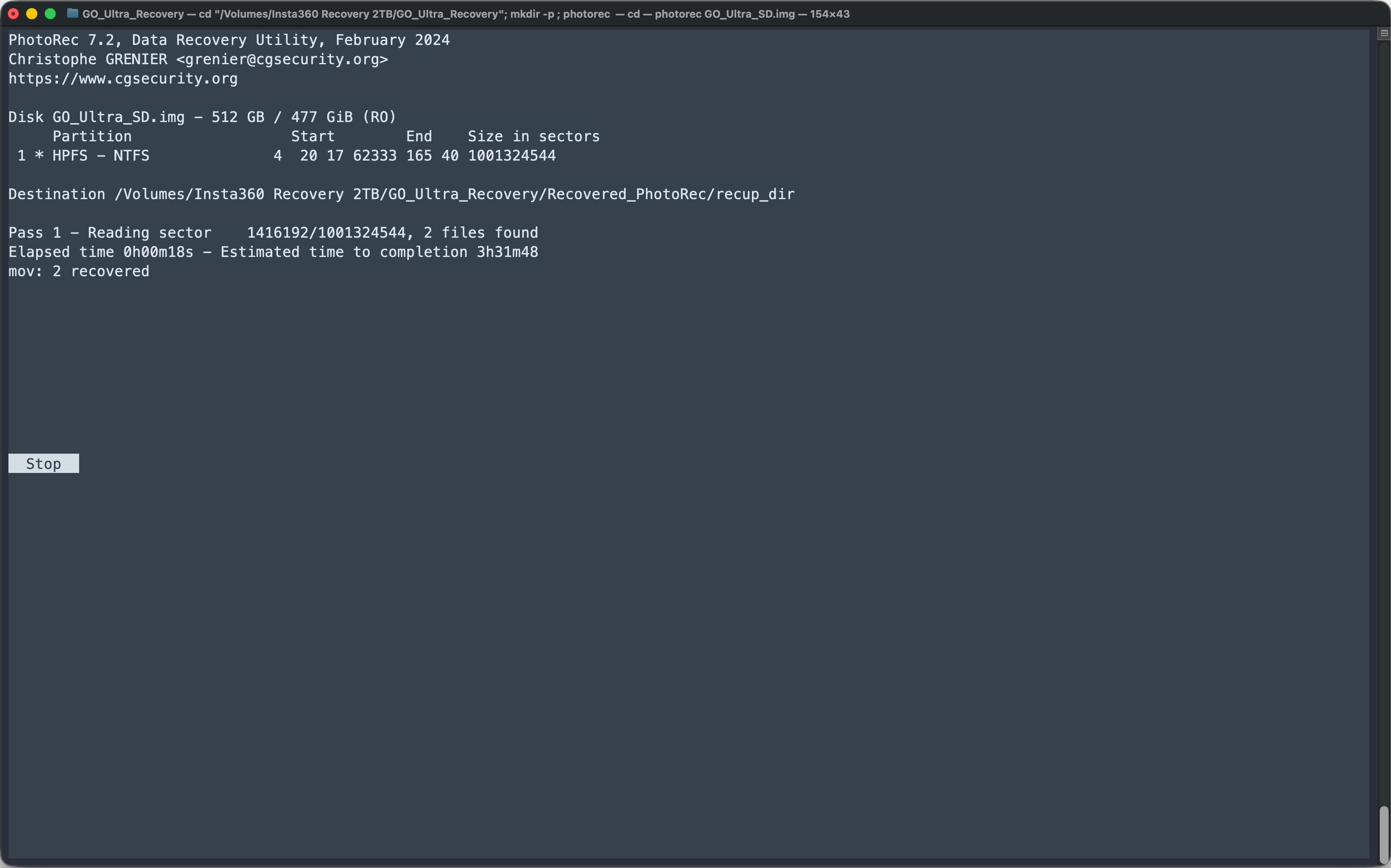
The camera could no longer list the recordings, but their data was still on the card. That explains why the available recording time kept going down and why recovery was possible.
What the camera logs revealed
The exported camera and Action Pod logs were encrypted, so I analyzed the camera firmware to read them. Unfortunately, both devices keep only their most recent logs. The failure happened on July 30, while the earliest useful camera log was from July 31 and the Action Pod logs began on August 2.
The remaining logs show that the card initialized successfully and the replacement Camera01 worked normally afterward. They also contain a recurring directory-creation warning, but it appears during otherwise healthy sessions, so it does not reveal what caused the original failure.
The Mac was not the cause
The first Mac-created metadata on the card, in .Spotlight-V100, dates from August 2, three days after the replacement Camera01 appeared. macOS unified logs show three successful exFAT mounts that evening, each followed by a safe Finder eject. They contain no format, repair, mount failure, or abrupt removal.
Corrupt directory metadata may explain why the first connections appeared empty and a later one showed the new recordings. What the timestamps establish is that the directory loss happened inside the camera before the card reached the Mac.
The most likely sequence
- The original
Camera01held the first three days of recordings. - A camera-side exFAT metadata update failed or was interrupted.
- The original directory became unreachable while the video data remained and its space continued to appear occupied.
- At 10:34 on July 30, the camera created a replacement
Camera01and restarted at001. - That directory then worked consistently for the rest of the trip.
I am confident in this directory-loss and recreation sequence. It explains the timestamps, restarted numbering, declining remaining-time estimate, and successful recovery while ruling out both a full format and the Mac as the initiating cause.
I cannot identify the underlying trigger because the relevant logs were rotated away. The evidence narrows it down to a firmware defect, interrupted power, or a temporary card fault, but it does not show which one occurred.