
If the two Safari tabs are next to each other, press Control-Tab to move right and Control-Shift-Tab to move left.
Toggle between your last two active tabs
Safari has no built-in shortcut for switching back to the tab you just used. Its shortcuts move left or right in the tab bar instead.
TabBack for Safari adds a customizable shortcut that follows your recent tab history, much like Command-Tab follows your recent app history:
- Press the shortcut once to return to the tab you just used.
- Press it again to switch back.
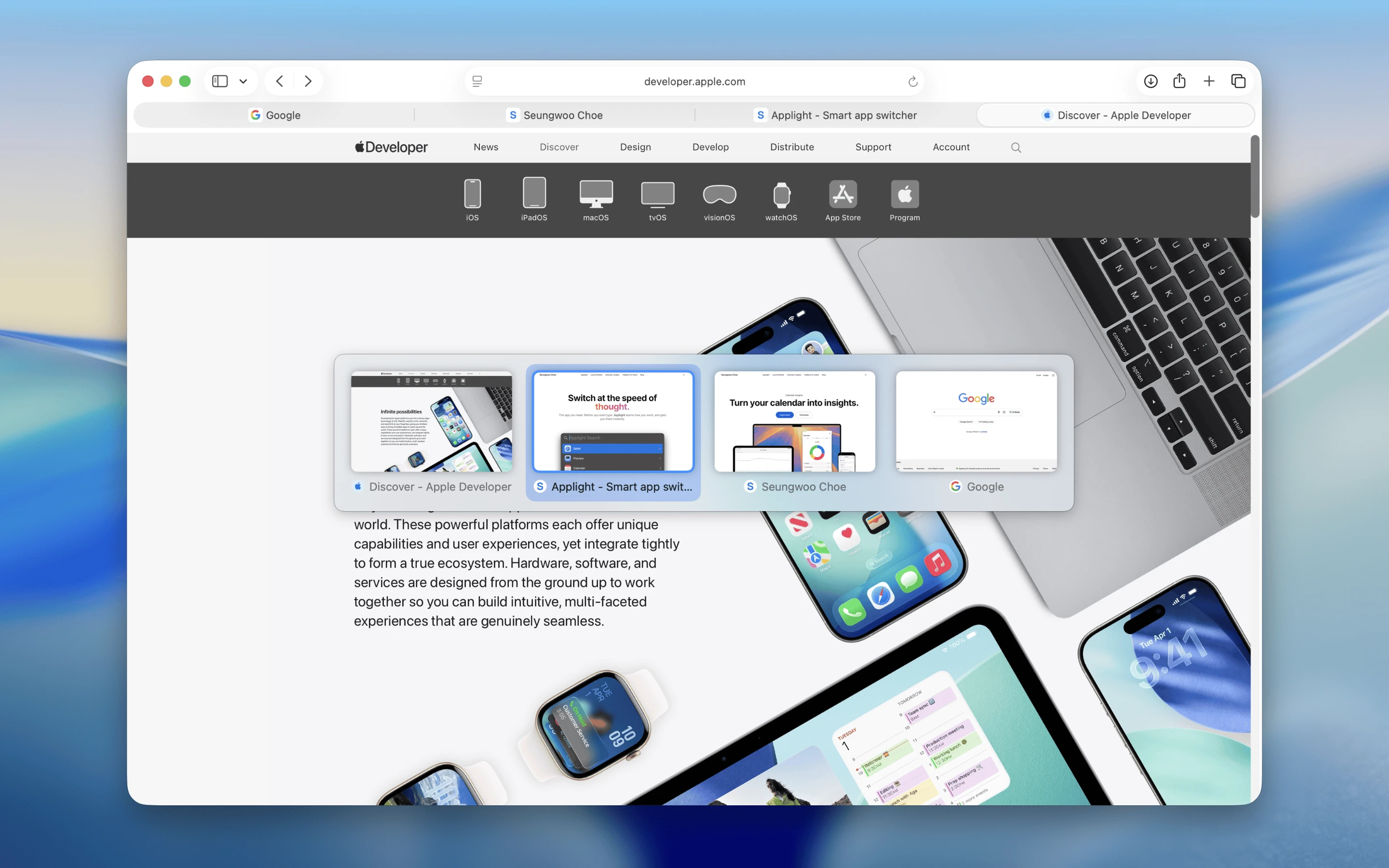
TabBack shows Safari tabs in recent-use order.
Keep pressing to go further back through recent tabs, use the previews to recognize the page you want, and release the shortcut to open it.